
 Image 1 of 15
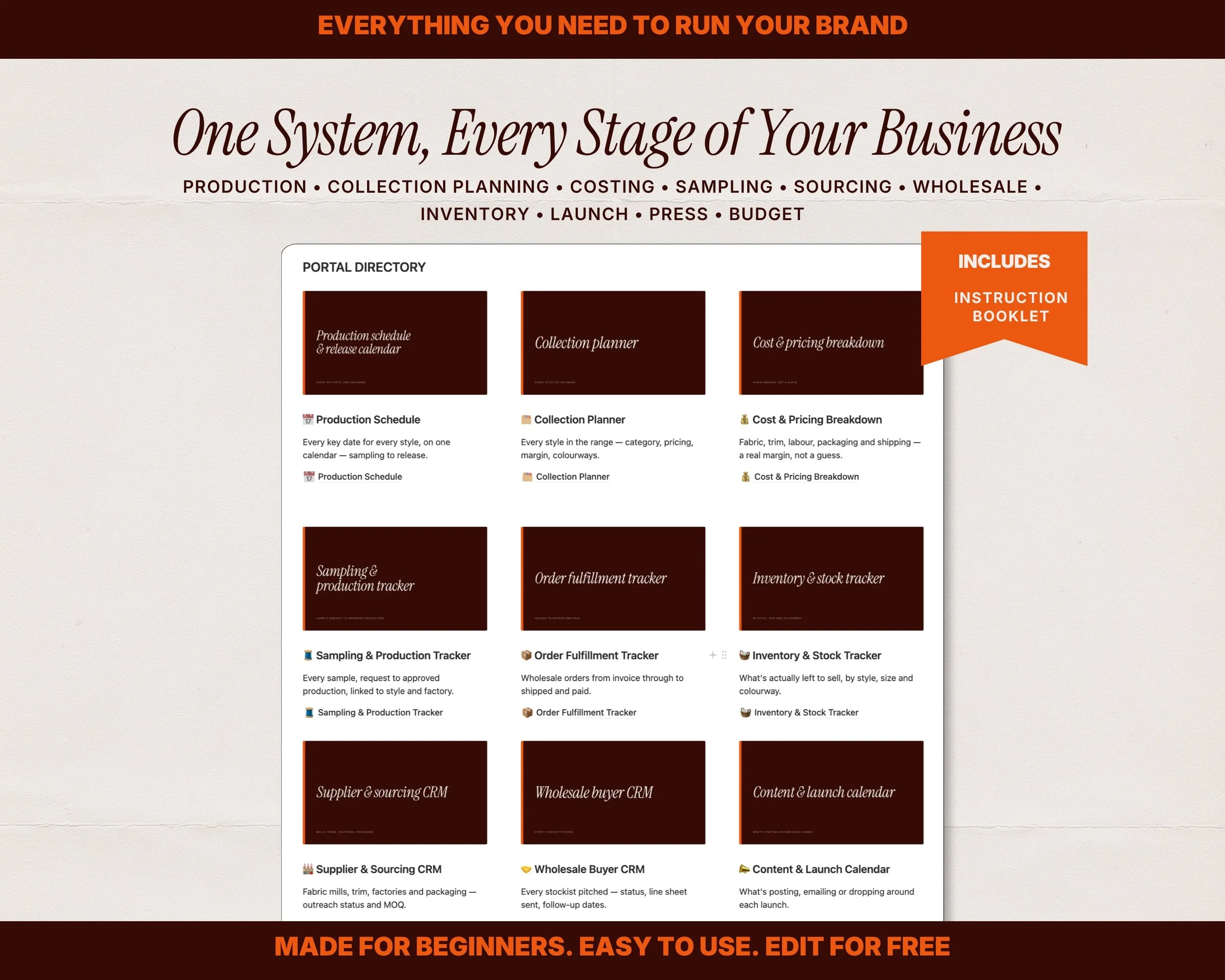 Image 2 of 15
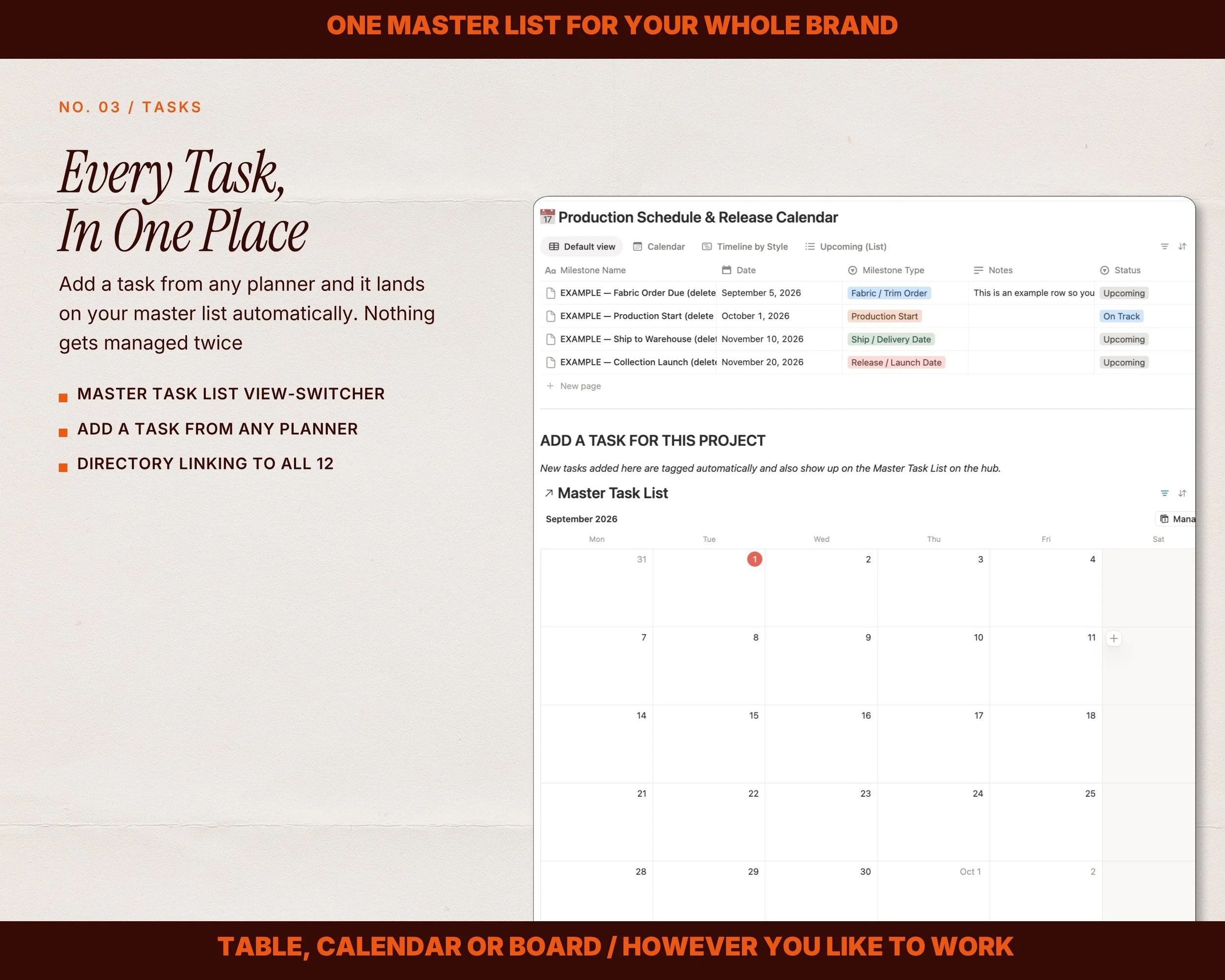 Image 3 of 15
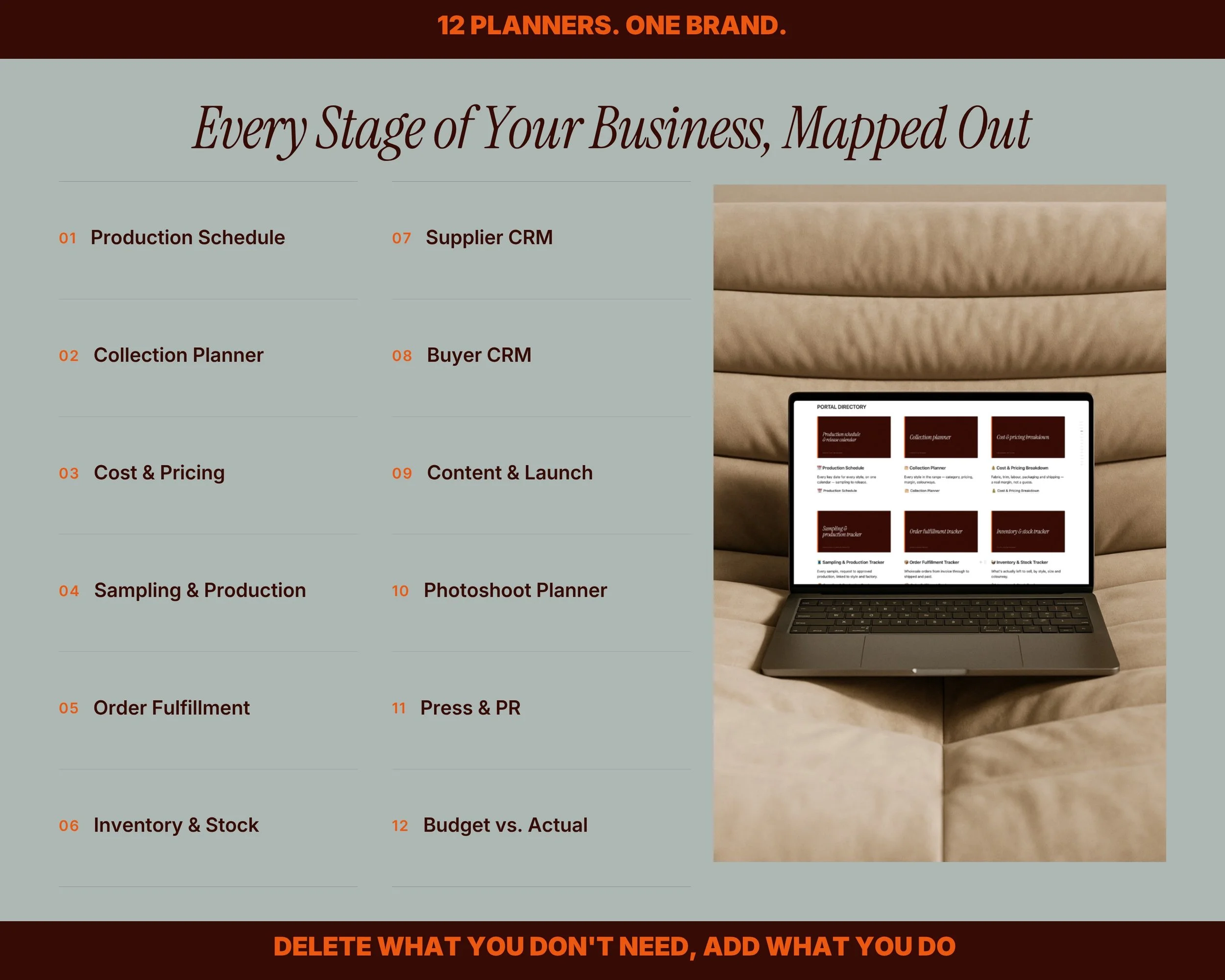 Image 4 of 15
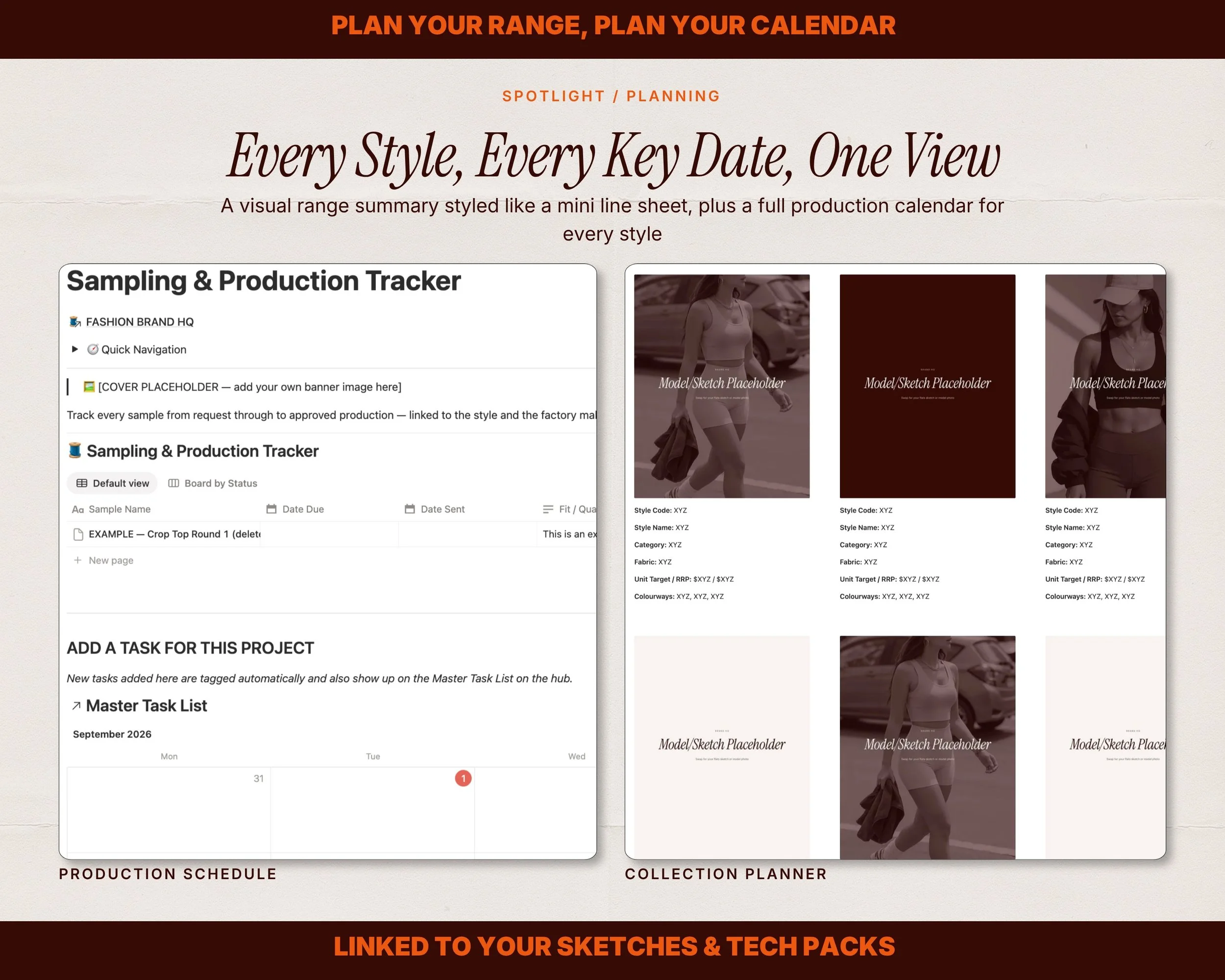 Image 5 of 15
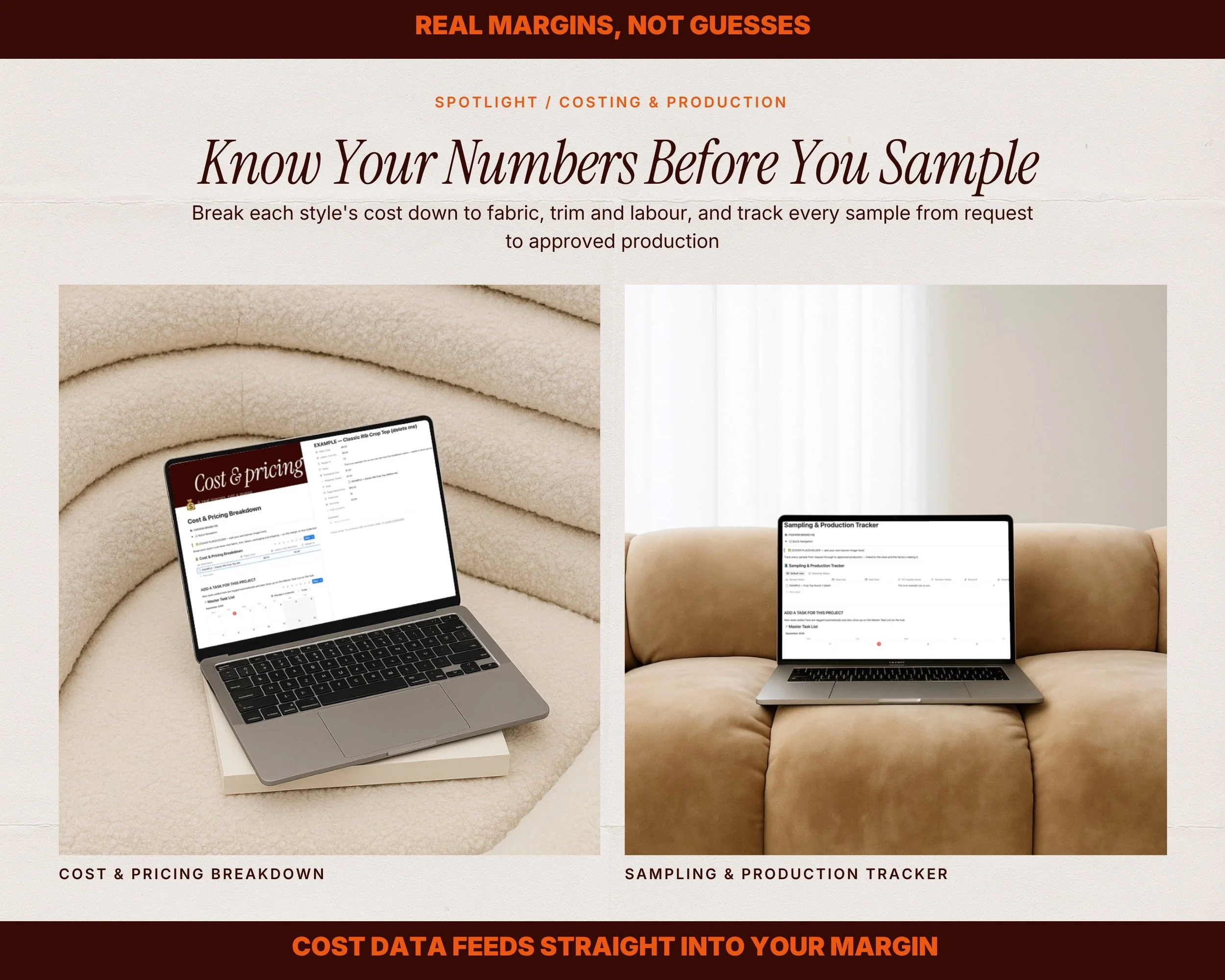 Image 6 of 15
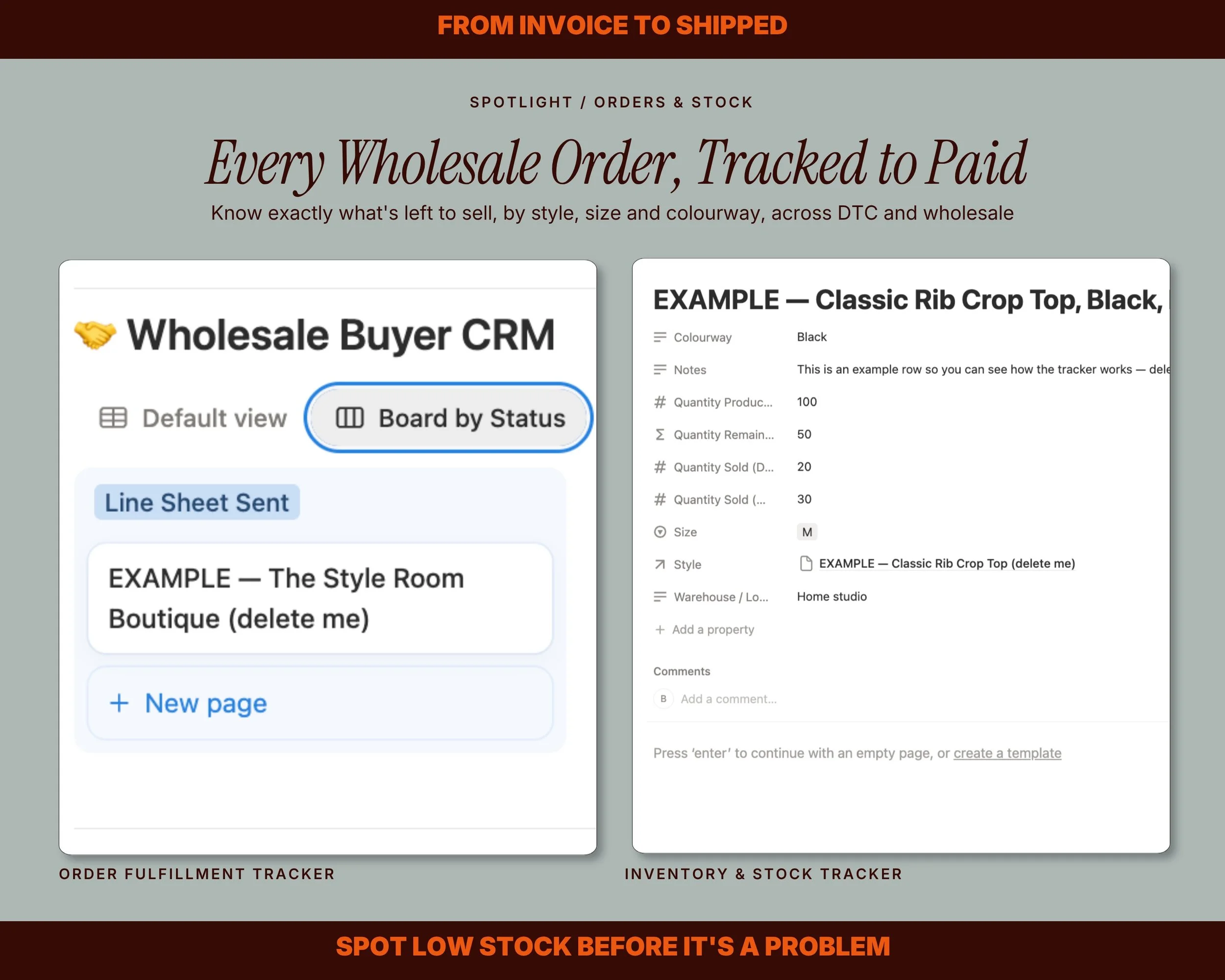 Image 7 of 15
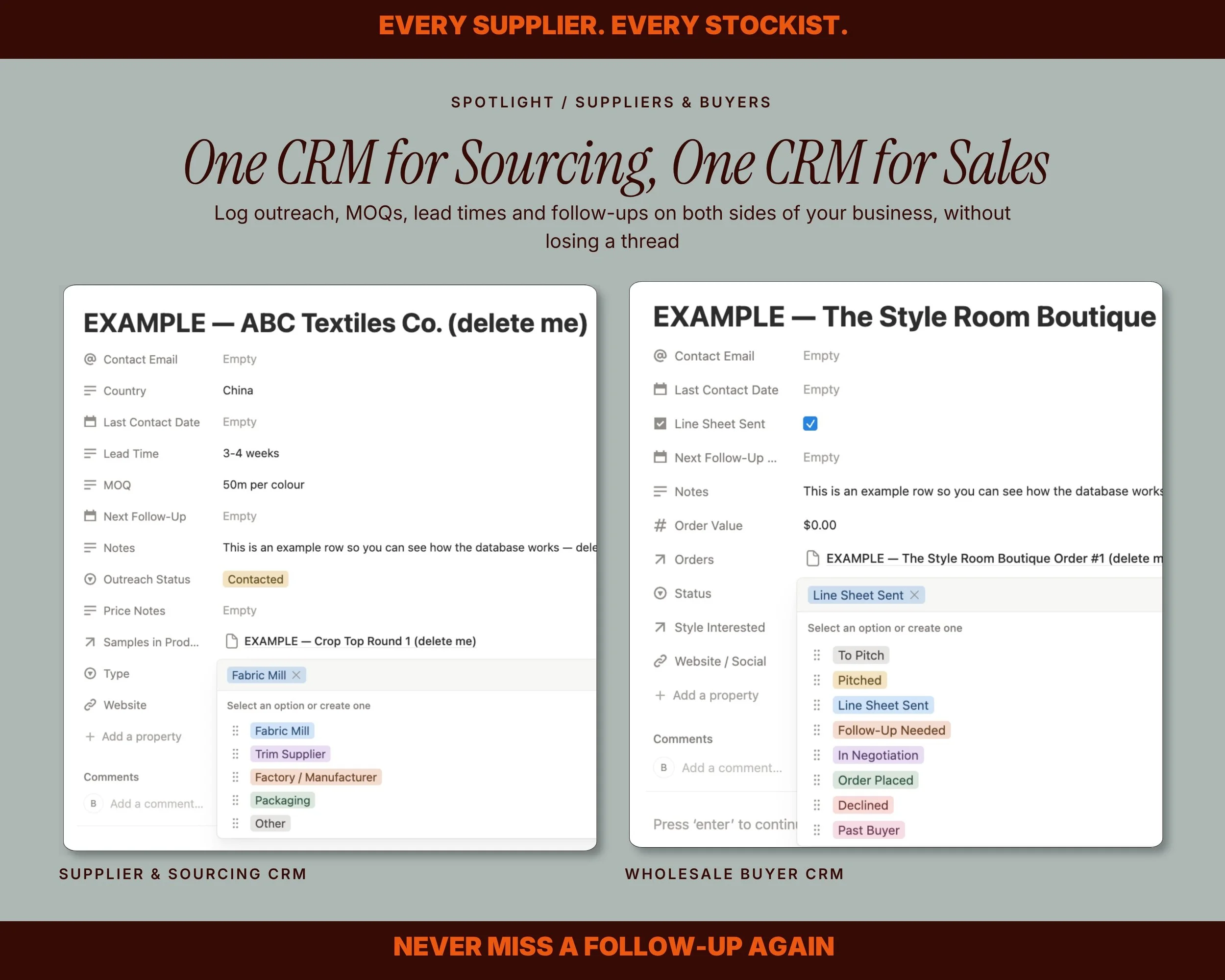 Image 8 of 15
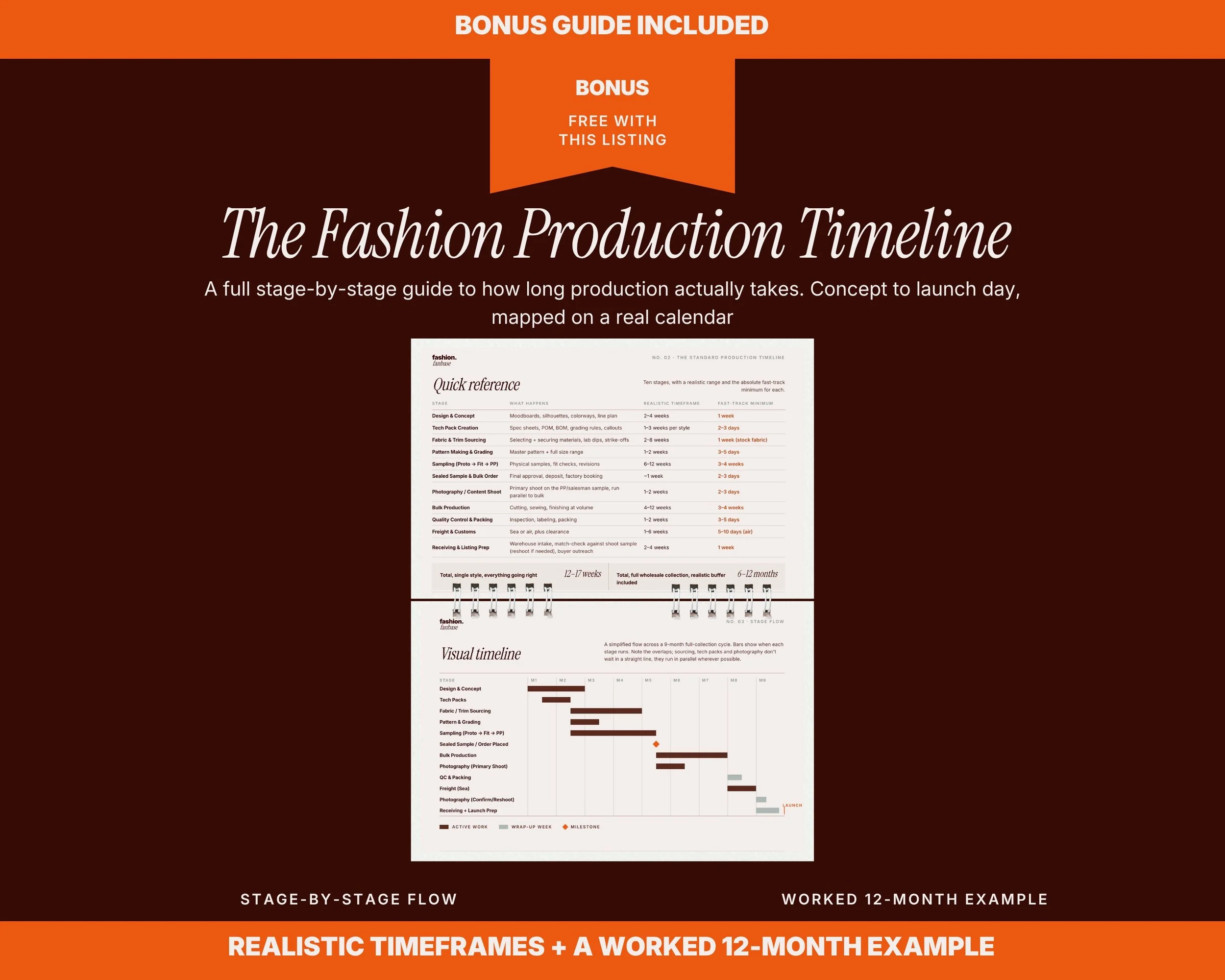 Image 9 of 15
 Image 10 of 15
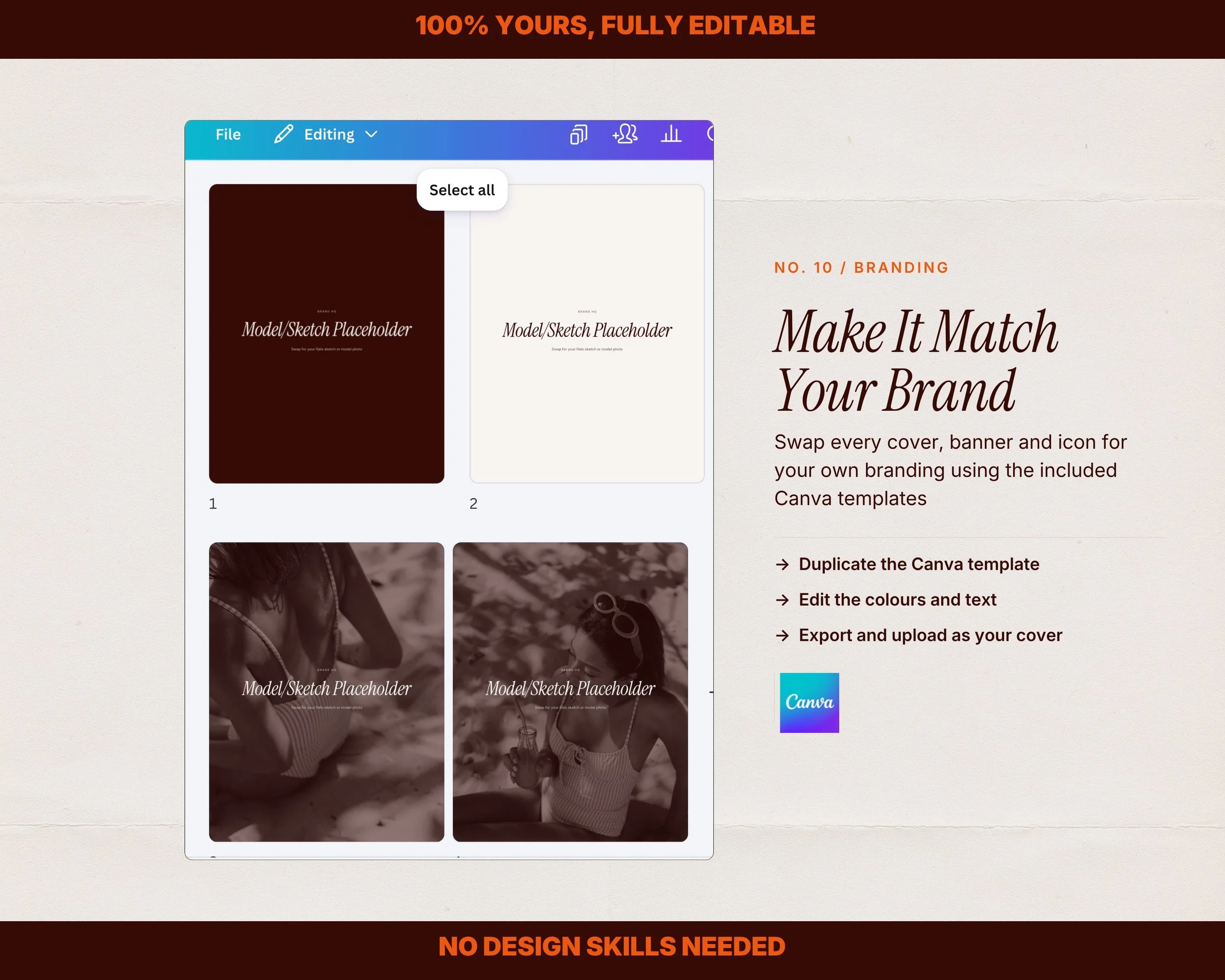 Image 11 of 15
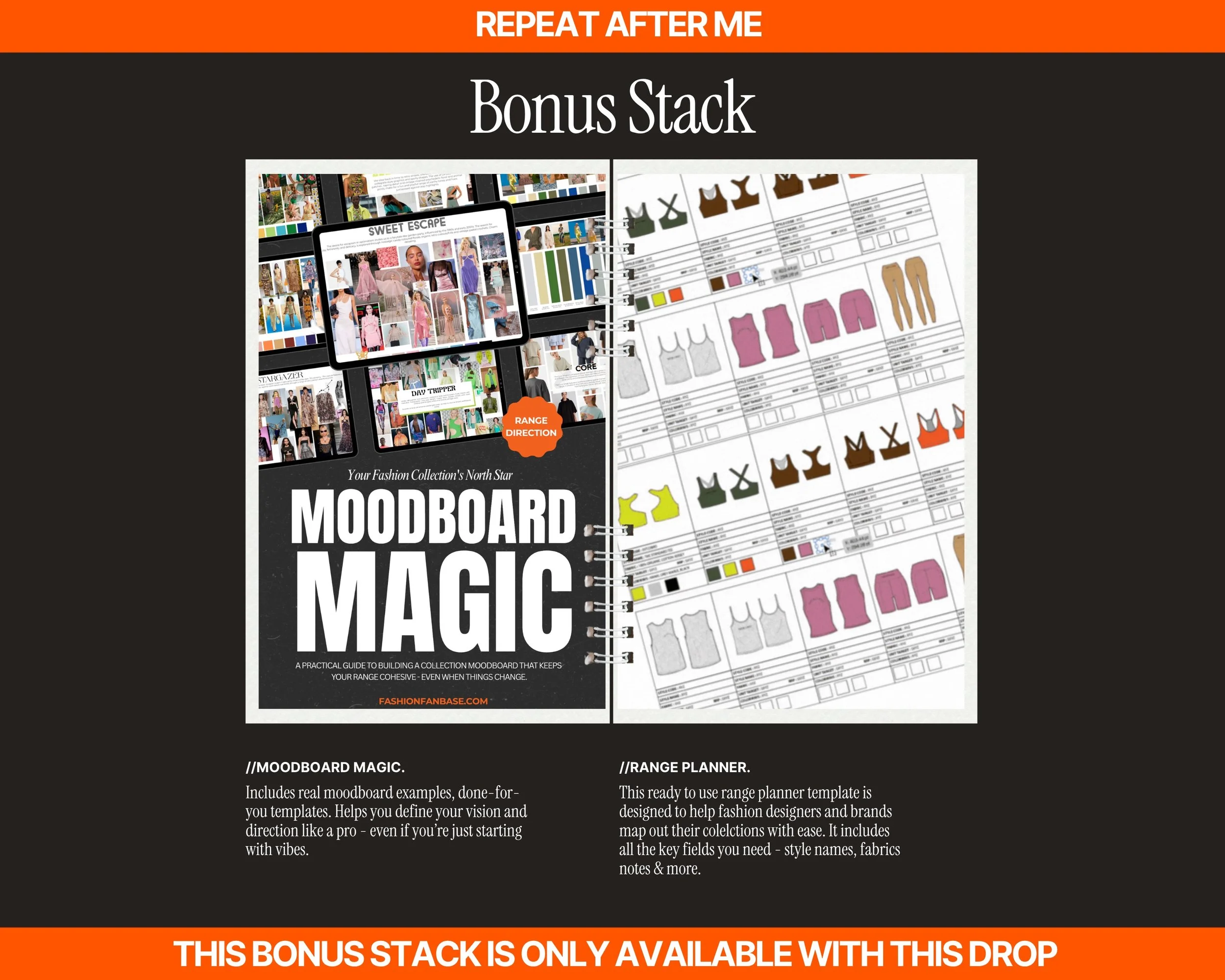 Image 12 of 15
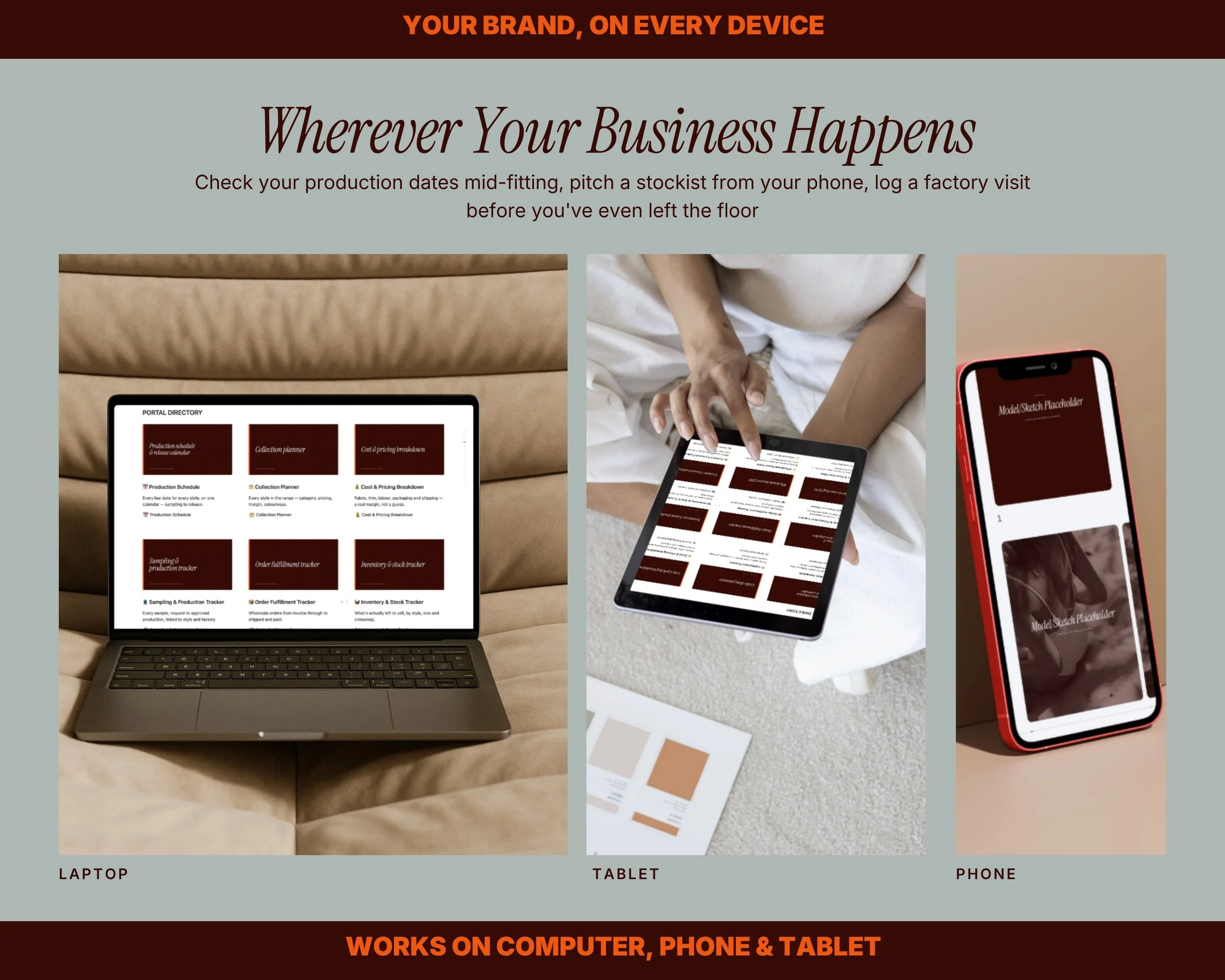 Image 13 of 15
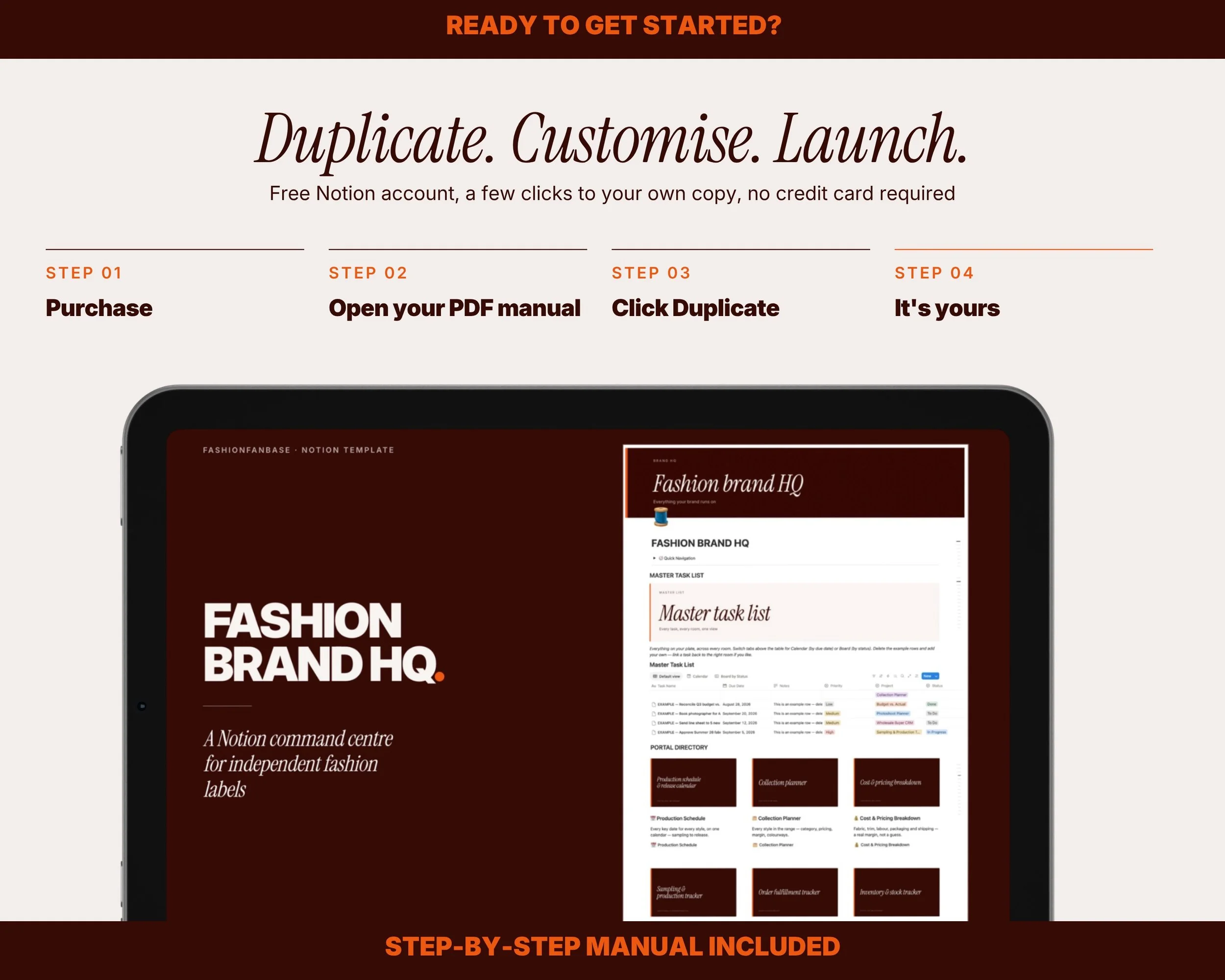 Image 14 of 15
 Image 15 of 15
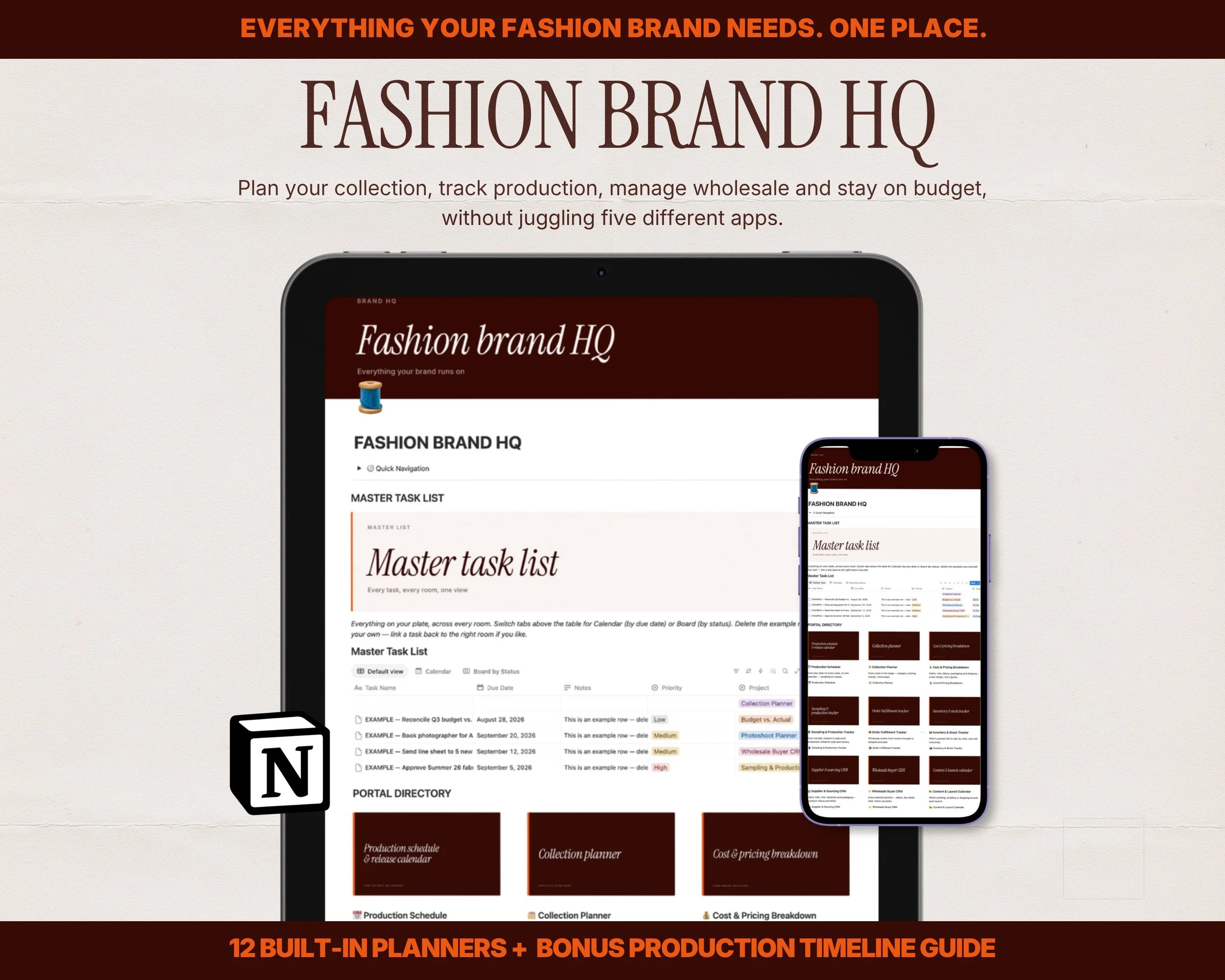
Fashion Brand HQ - Clothing Brand Planner
Frequently Asked Questions
-
The Notion workspace — 1 hub + 12 linked rooms:
Production Schedule & Release Calendar
Collection Planner (with a visual range summary)
Cost & Pricing Breakdown
Sampling & Production Tracker
Order Fulfillment Tracker
Inventory & Stock Tracker
Supplier & Sourcing CRM
Wholesale Buyer CRM
Content & Launch Calendar
Photoshoot Planner
Press & PR / Influencer CRM
Budget vs. Actual
A Master Task List pulling every task, from every room, into one calendar/table/board view
Bonus guide:
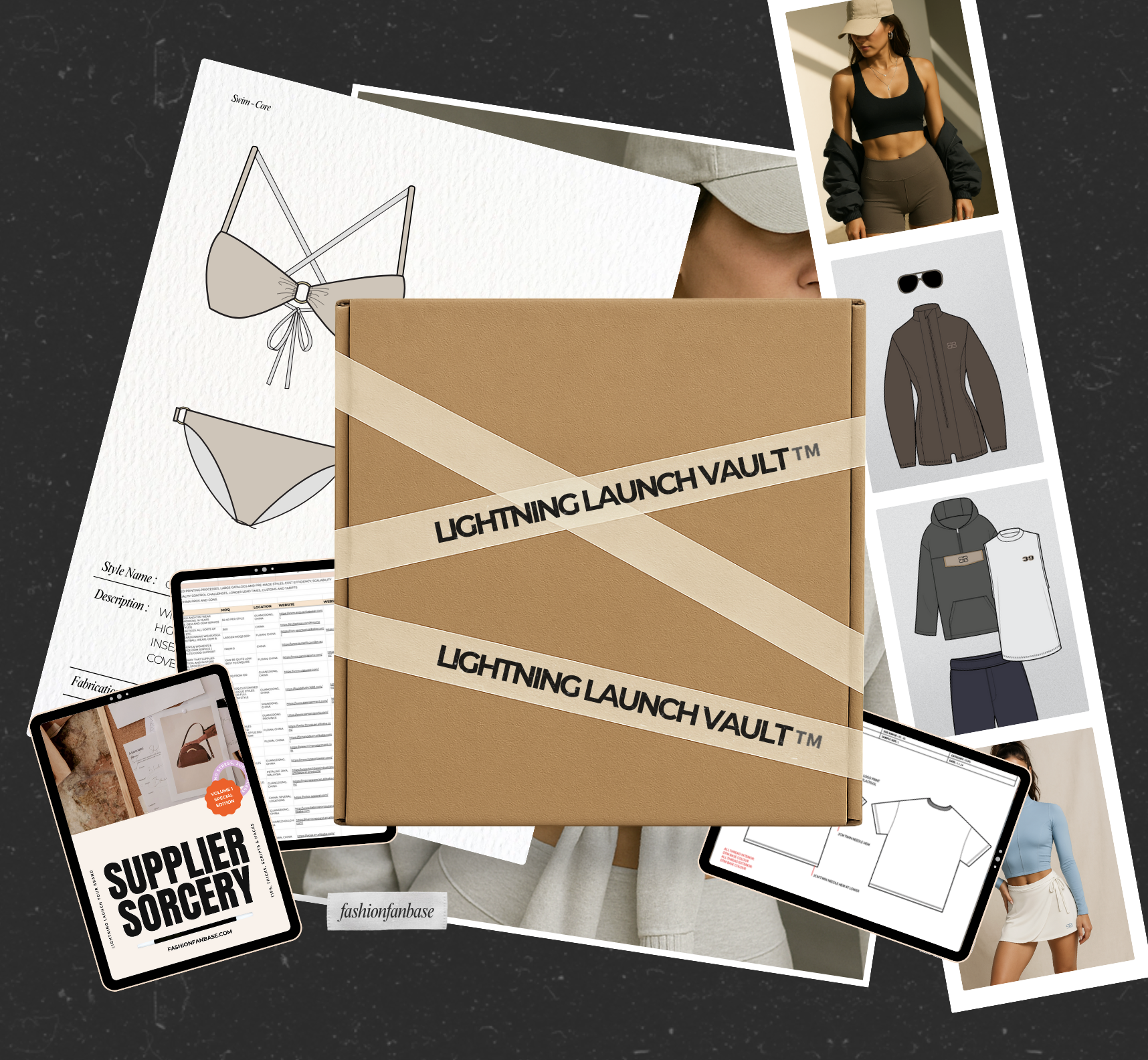
The Fashion Production Timeline — a full production-stage reference guide (design & concept through freight and launch), realistic vs. fast-track timeframes, a visual stage-flow timeline, sea vs. air freight comparison, and a worked example calendar mapping a real 12-month launch
Range Planner : to plan your full collection visually (Ai. & Canva)
Moodboard Magic : Help define your vision & direction ( PDF & Canva)
Companion Canva templates (fully editable, your own branding):
Page cover banners for your hub homepage and every project room
Directory cover templates for all 12 rooms
A range/catalogue image template for your Collection Planner's visual style boxes
Plus:
A full user manual walking through every room and how to use it -
Most fashion founders track their brand across five different tools — a spreadsheet for costing, a notes app for sourcing contacts, a separate calendar for production dates — and things fall through the cracks between them. Fashion Brand HQ puts your whole business timeline, your supplier and buyer relationships, your margins, and your production tracking in one connected workspace, so a task added on any room automatically shows up on your master list, and nothing gets missed between sampling and shipping.
100% FREE TO USE — NO NOTION UPGRADE REQUIRED
Everything in this template runs on Notion's free plan, forever. No credit card, no Notion Pro subscription, no hidden paywall inside the workspace. -
Complete your purchase and open your PDF user manual
Click through to the live Notion template link inside it
Click Duplicate (top right) — this copies the entire workspace into your own free Notion account
Don't have Notion yet? Sign up free at notion.com, no card required
Delete the example rows, add your own styles, suppliers and buyers, and it's yours -
Rename it, restyle it, delete rooms you don't need, add new ones. Swap every page cover and icon for your own branding using the included Canva templates — duplicate the banner or cover template, edit the colours and text to match your brand, export, and upload it straight into Notion's cover slot.
-
Notion workspace (works on desktop, browser and the Notion mobile app)
Canva templates for banners, room covers and the range image style box — editable on Canva's free plan
PDF user manual with setup instructions and screenshots for every room -
This is a digital product — no physical product will be sent. This is a Notion template plus companion Canva files; it cannot be opened or edited in other software.
This is a single licence for your own personal or internal business use only. This item cannot be redistributed, resold or shared in any form, even if modified.
FashionFanBase does not accept returns or exchanges on any digital products sold.
Once payment is made, your download link (PDF manual + live template link) will be available instantly.
Please contact us in advance with any questions or concerns. -
Find the order and click "Download Files" to get your PDF with link to drive
Open the FASHION BRAND HQ - LINKS & INSTRUCTIONS and click through to your live template link
Click Duplicate in the top right corner of the Notion page to copy it into your own workspace